Video Compressor and Resizer app iconVideo Compressor & Resizer
Video Compressor and Resizer — video compressor app for iPhone and iPad

Compress Videos on iPhone Without Losing Quality

Reduce video file size by up to 90%, free up gigabytes of storage, and share anywhere — Messages, WhatsApp, email, Instagram. 100% on-device. Nothing is ever uploaded.

Download on the App Store

Free to try·iPhone & iPad·Only 5.7 MB·25 languages·No watermark

Why this compressor

The fastest way to reduce video file size on iPhone & iPad

Tired of “Storage Almost Full”? Stop deleting memories — shrink them. Full control over quality and resolution, with results that look identical to the original.

🎚️

Full quality control

Set the exact compression level to balance file size and clarity — from maximum savings to visually lossless.

📐

Custom resolution scaling

Resize video by percentage: turn 4K into 1080p or 720p with one slider. Perfect output size for any use.

🔒

100% private, on-device

All compression happens locally on your iPhone. No uploads, no servers, no account — your videos never leave the device.

🗂️

Batch compression

Select dozens of videos and compress them all at once. Clear gigabytes of storage in a single run.

📤

Made for sharing

Smaller files send instantly via Messages, WhatsApp, and email — and upload faster to Instagram, TikTok, and YouTube.

Fast & tiny

Built native for iOS 18+. The app itself is only 5.7 MB and compresses a full-length video in seconds.

Screenshots

Simple by design

Select videos, adjust settings, compress. Done in seconds.
Selecting videos to compress in Video Compressor and Resizer for iPhone
Pick videos from your library
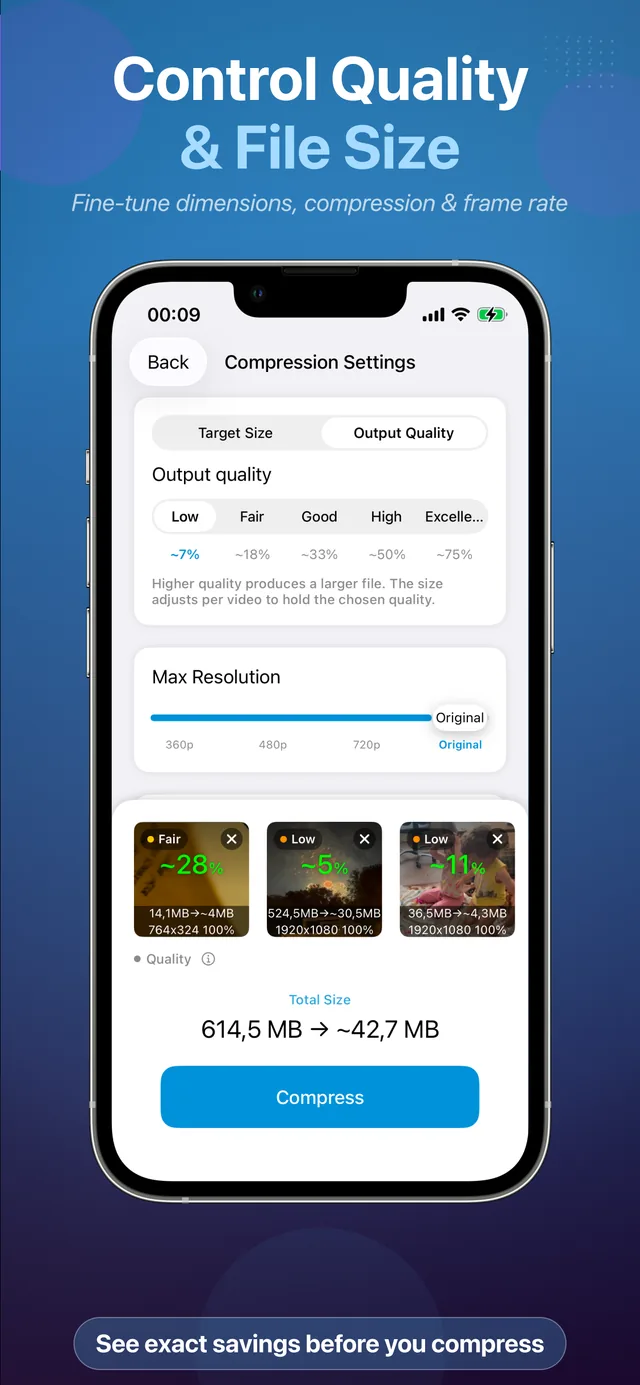
Compression settings — choose quality level and resolution percentage
Choose quality & resolution
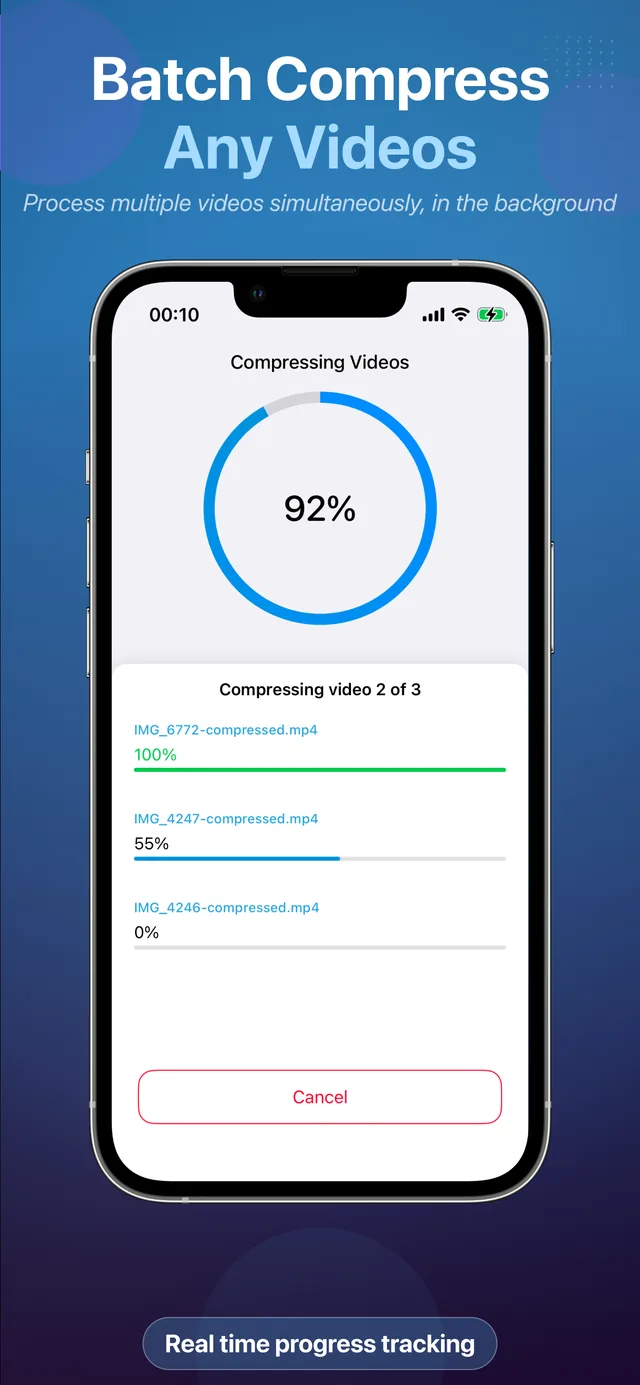
Batch compressing multiple videos at once on iPhone
Compress in batches
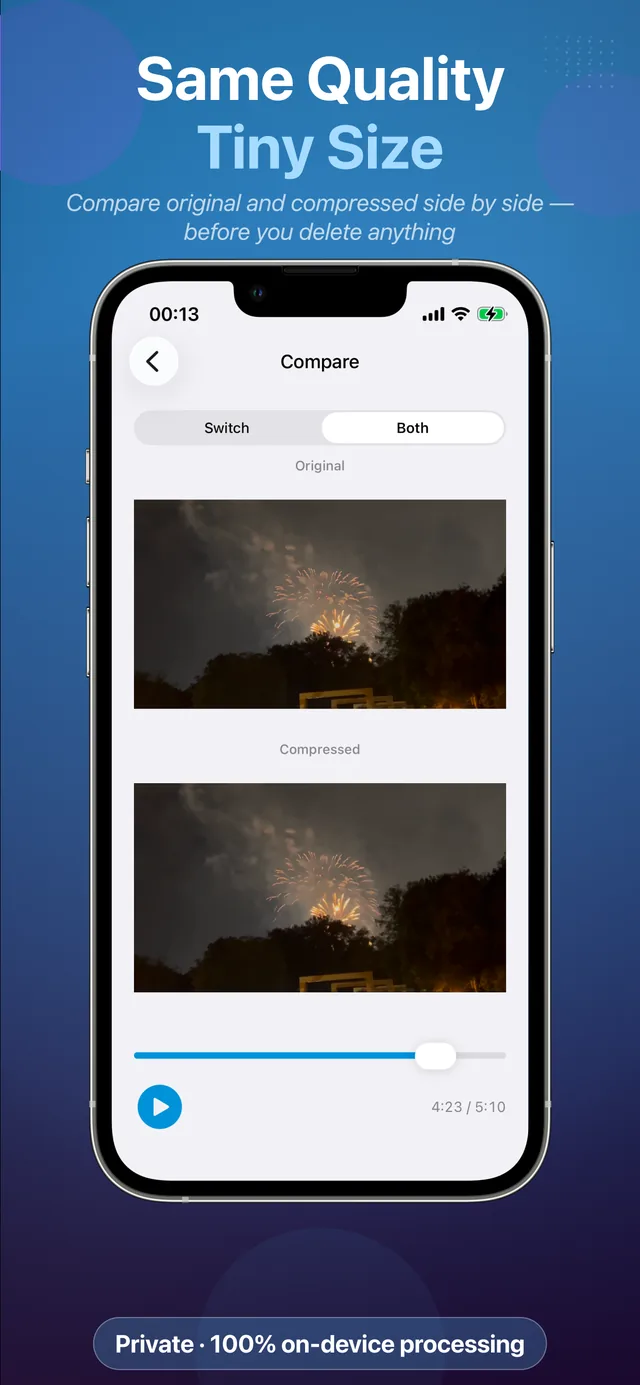
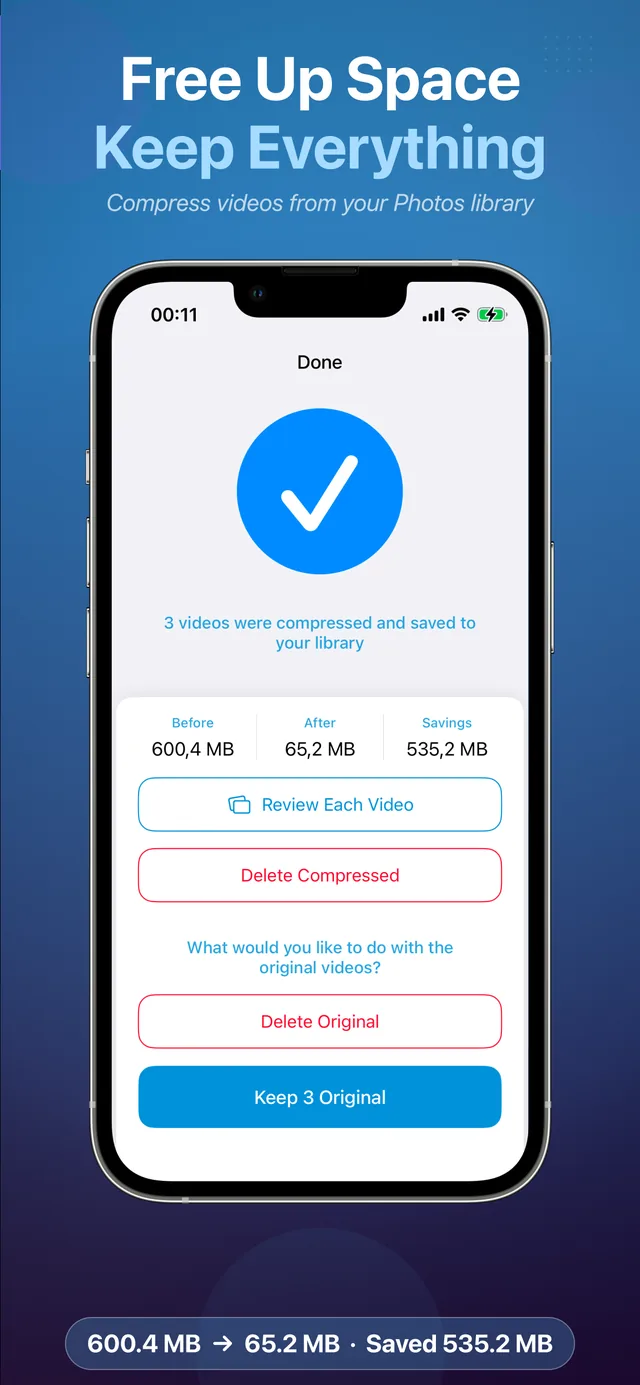
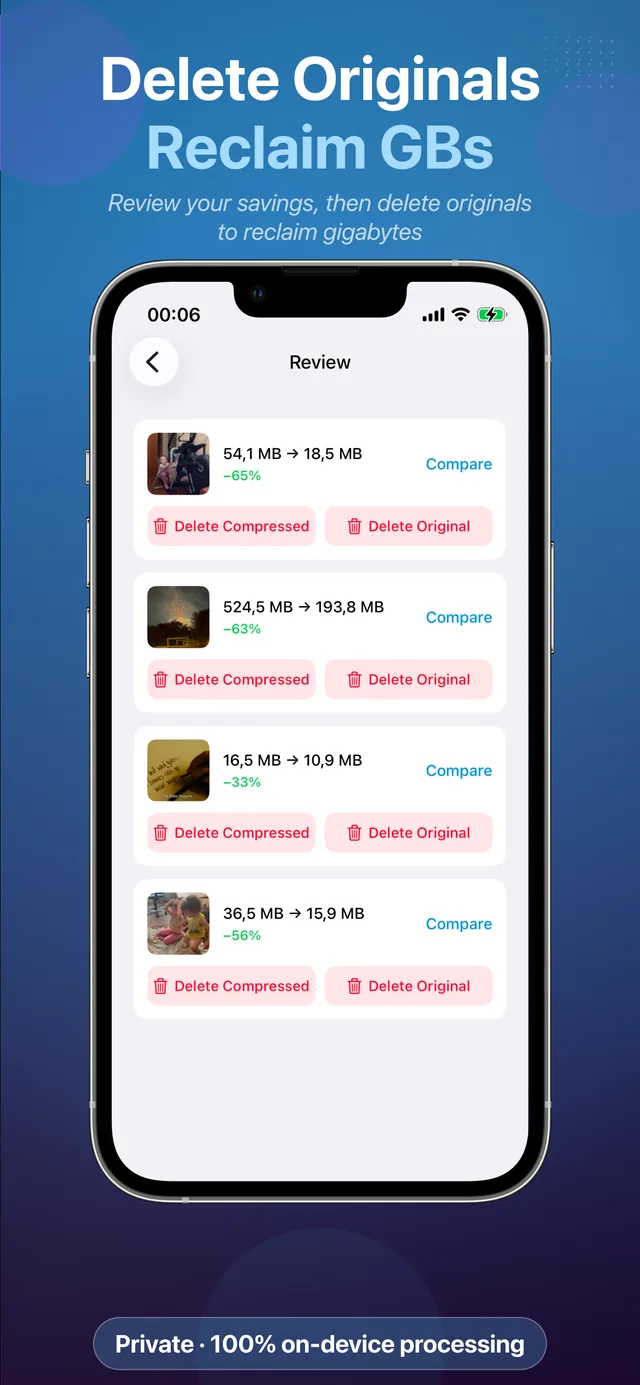
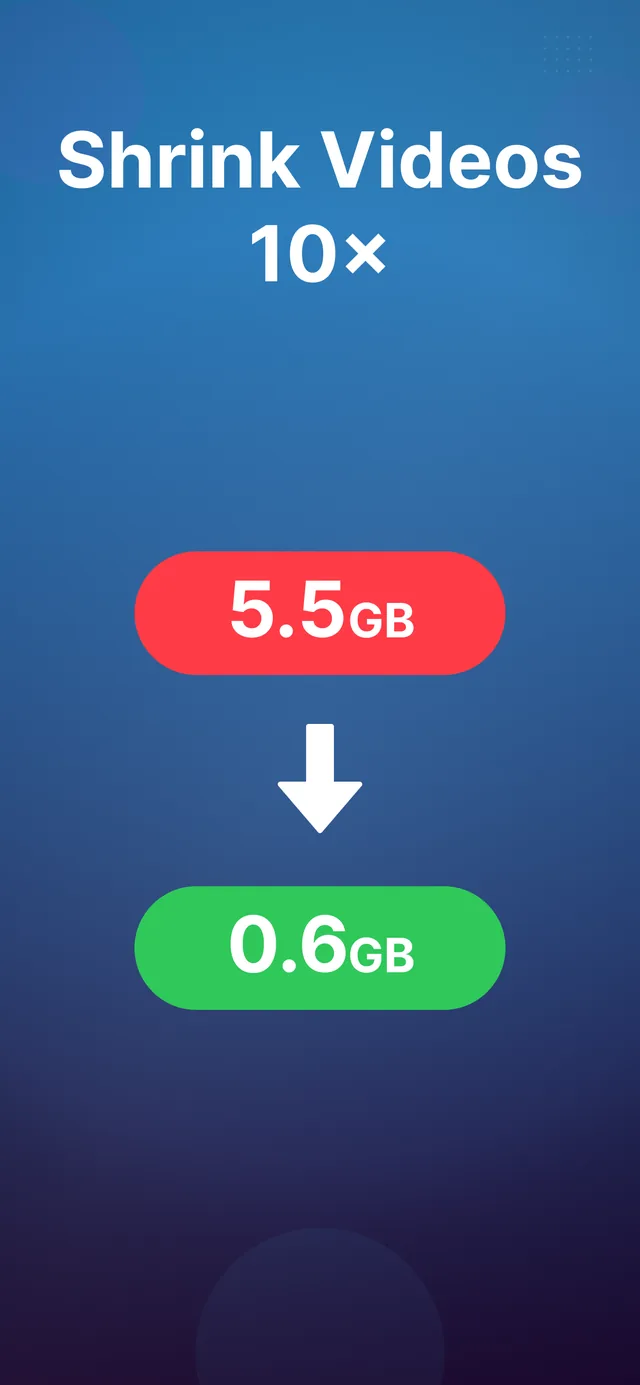
Video file size reduced — before and after compression comparison
See the size savings
Sharing a compressed video via Messages, WhatsApp and email
Share anywhere instantly
Video Compressor and Resizer on iPad — reduce video size on iPadOS
Full iPad support
How it works

Shrink any video in three steps

No learning curve, no export queues, no watermarks.

1

Select your videos

Open the app and pick one video — or dozens — straight from your Photos library. You can also send videos to the app from the share sheet.

2

Adjust the settings

Choose a quality level and a resolution percentage. A live estimate shows how much space you’ll save before you commit.

3

Compress & share

Tap Compress. Seconds later the smaller copy is in your library — ready to send by Messages, WhatsApp, or email, or to free up storage.

Guides

Video compression guides for iPhone & iPad

Step-by-step answers to the most common video size problems.

FAQ

Frequently asked questions

Quick answers about compressing, resizing, and sharing videos on iPhone and iPad.

How do I compress a video on my iPhone?
iOS has no built-in tool for compressing existing videos. Install Video Compressor and Resizer, select videos from your library, pick a quality level and resolution, and tap Compress — the smaller copy is saved to Photos in seconds. Learn more →
How do I reduce a video's file size without losing quality?
Keep the original resolution and use a high quality setting. Modern compression removes data your eyes can't see, so a 60–70% smaller file usually looks identical on a phone screen. Learn more →
How do I email a video that says it's too large?
Email providers cap attachments at about 20–25 MB. Compress the video to 720p at medium quality first — most phone clips drop far below the limit and stay perfectly watchable. Learn more →
How do I compress a video for WhatsApp?
WhatsApp aggressively re-compresses large videos, which is what makes them blurry. Compress yourself first at 720p medium-high quality to control how the result looks. Learn more →
How do I send a long video from my iPhone?
Compression is the most reliable fix: a 10-minute video can shrink from over a gigabyte to a size Messages, WhatsApp, or email will accept — no cloud links needed. Learn more →
How do I free up iPhone storage without deleting videos?
Compress your library instead of deleting it. One minute of 4K takes 300–400 MB — compressing old videos routinely frees tens of gigabytes while every memory stays in Photos. Learn more →
How do I compress 4K video on iPhone?
Scale 4K to 1080p unless you'll watch on a 4K TV — on a phone the difference is invisible and the file gets roughly 75% smaller. Learn more →
How do I resize a video or change its resolution?
Select the video and choose a resolution percentage — 50% turns 4K into 1080p. You control the exact output size before compressing. Learn more →
Can I compress multiple videos at once?
Yes — batch compression processes dozens of videos in one run with the same settings. It's the fastest way to clean up storage. Learn more →
Are my videos uploaded anywhere?
Never. All processing happens locally on your device — no uploads, no servers, no account. See the privacy policy.
Is the app free?
Free to download and try. Unlimited use via an affordable subscription or a one-time lifetime purchase — no watermarks, ever. Get it on the App Store →

Stop deleting memories to free up space

Compress your videos beautifully — keep the quality, lose the gigabytes. Free to try on iPhone and iPad.

Download on the App Store